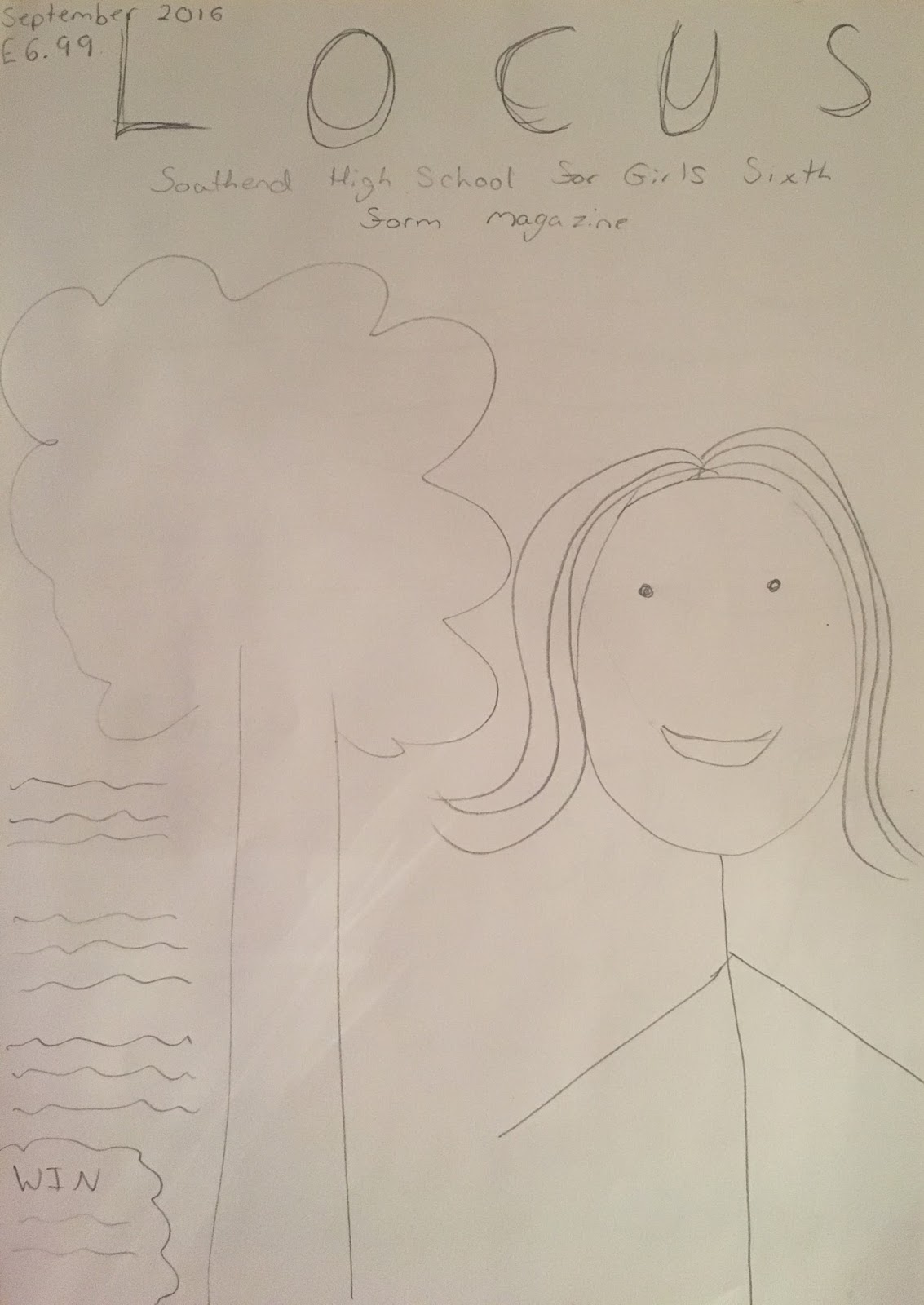
Here is my final front cover which was created in InDesign
Monday, 10 October 2016
Sunday, 9 October 2016
PRODUCTION: Using InDesign to Create my Front Cover
Here you can see my front cover in InDesign as I was editing it to create the final page.
I took my edited picture and put it into InDesign to start off my front cover.
I then added my masthead 'Locus' and my strapline 'Southend High School for Girls Sixth Form Magazine'. I changed the font and the colour of the font to make my magazine look more sophisticated and also to make the text clearer to see and read.
I then added a dateline and price of the magazine in the bottom right corner.
PRODUCTION: Using Photoshop to Edit my Photo
| Unedited Photo |
![]() |
| Edited Photo |
At the top you can see the photo that I took (which is unedited) and on the bottom you can see the photo which I have edited using Photoshop. I have enhanced the colour of the picture making the colours more vibrant so that they stand out. I have also cropped the photo to make it into a mid-shot.
Friday, 7 October 2016
RESEARCH: Adobe Package Review
When creating my sixth form magazine I think using Photoshop will be the best to edit my photo and then I should use InDesign to create the actual magazine pages.This is because the features of Photoshop will allow me to enhance my picture in the easiest and best way, also it is the only Adobe app which is mainly focused on images. To then create the magazine pages I will use InDesign as this app has been created to layout things such as newspapers and magazines, the app is specifically design to aid with documents which use large amounts of text which my magazine would have. Therefore I should use InDesign to create my magazine pages.
Thursday, 6 October 2016
Monday, 3 October 2016
ANALYSIS: Second Sixth Form Textual Analysis Feedback
For my third textual analysis I am going to improve on my last one. To improve I am going to ensure the key terminology is in bold and also I am going to make sure I talk about other areas such as demographics and psychographics.
Thursday, 29 September 2016
Monday, 26 September 2016
Friday, 23 September 2016
PRODUCTION: My Name Made Out of Shapes
To create my name I have used inspiration from natural sources. I went outside and looked at different objects from a new perspective, I looked at how the body and other sources could form different letters in a way you haven't seen before. For example for an 'h' I found a pole in a fence and then used a body to curve one and create the 'n' part of the 'h'. I found from looking at these objects from a different perspective I could see how they could represent letters.
Monday, 12 September 2016
PRODUCTION: My Personal Mood Board
On my mood board there are a lot of social media app logos to show that I am well connected to the rest of the world through social media. Also there are a lot of different designers and brands to show my interest in high fashion and clothing. Furthermore there are catwalk models to show my interest in modelling and famous models. There are pictures of makeup that present my interest in doing my own makeup and trying new styles. Finally there are pictures of dresses, bags and shoes to show the types of clothing and accessories I like to wear or use.
Tuesday, 6 September 2016
PRODUCTION: Magazine Front Cover Pictures
| The Good Photo |
We picked this photo to be the best due to the facts that the school emblem on the blazer is showing, the student looks happy, the lighting is very good, the image is clear and the scenery is very natural and showing the grounds of the school.
| The Bad Photo |
We picked this photo to be the worst due to the facts that the student is facing away from the camera, the image is blurry and the lighting is leaving shadows on the student.
Subscribe to:
Posts (Atom)